Create your book,
your way
35% off
photo books*
Create your book,
your way

-
Make & Share
CAPTURE MEMORIES
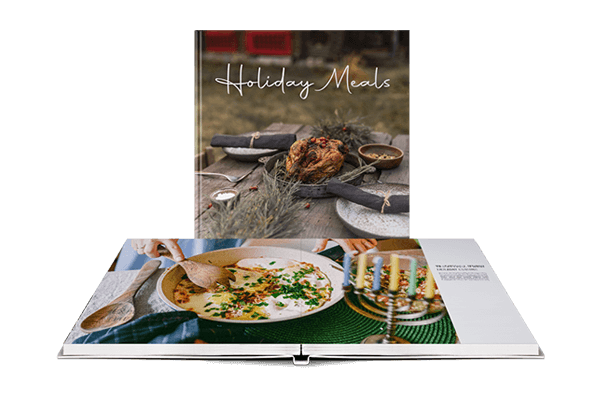 Layflat books are ideal for travel books, wedding albums, even cookbooks. Use free design templates to make your book.
 -
CREATE & MARKET
YOUR BEST WORK
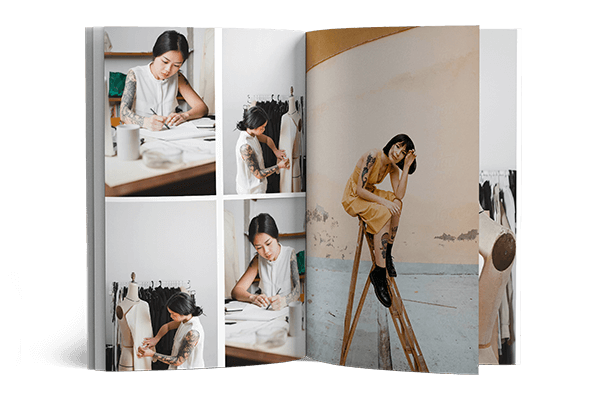 Impress clients and fans by making a custom photo book, portfolio, or magazine made with our Adobe integrations.
 -
Sell & Distribute
Reach your audience
 Get your professional work into the world with full creative control and distribution options, including Blurb, Amazon, and Ingram.
Make the gift that makes his Father’s Day
Sign up to get 30%
off your first book
Thank you for
signing up!
Hmmm,
something went wrong.
Please try again.
Sign up to get 30%
off your first book

The job market is ready.
Are you?
Get Started
Choose a design tool to make your book.


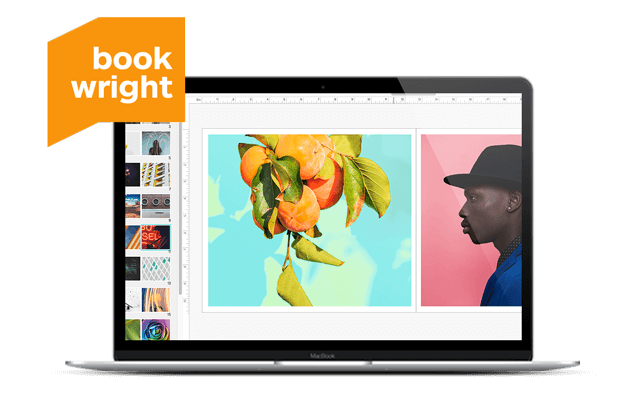
BookWright
Our free design tool offers complete creative control and a helping hand when you need it. Use the Quick Design option to make your book in three easy steps, try our customizable templates to get a head start, or design your own book layouts from scratch.
Adobe InDesign Plug-In
Create unique, print-ready books, magazines, or wall art as part of your InDesign workflow.
LEARN MORE
Adobe Lightroom Book Module
Already editing photos in Lightroom? Turn your digital galleries into beautifully printed books.
LEARN MORE
Adobe Photoshop Wall Art Plugin
Turn your favorite Adobe Photoshop files into original canvas, metal, or acrylic wall art with our free plugin.
Get the PluginCreate, Print & Sell Your Book
-
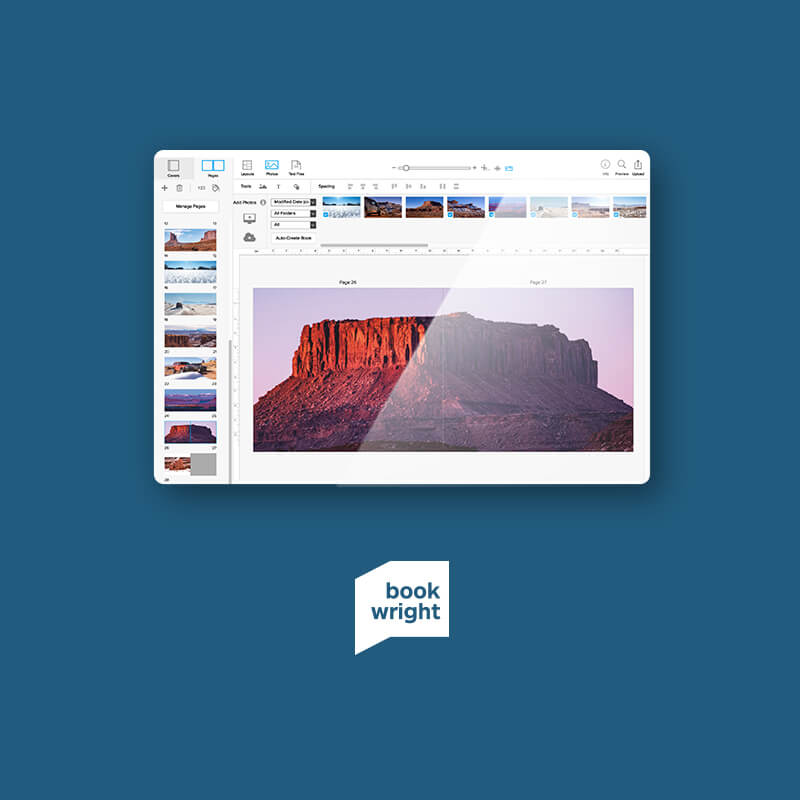 Design with BookWrightCreate professional-quality books and enjoy creative control start to finish with our free design software.
 -
 Publish & Sell WorldwideList your photo book in a few clicks and sell to a global audience via the Blurb Bookstore or Amazon.
 -
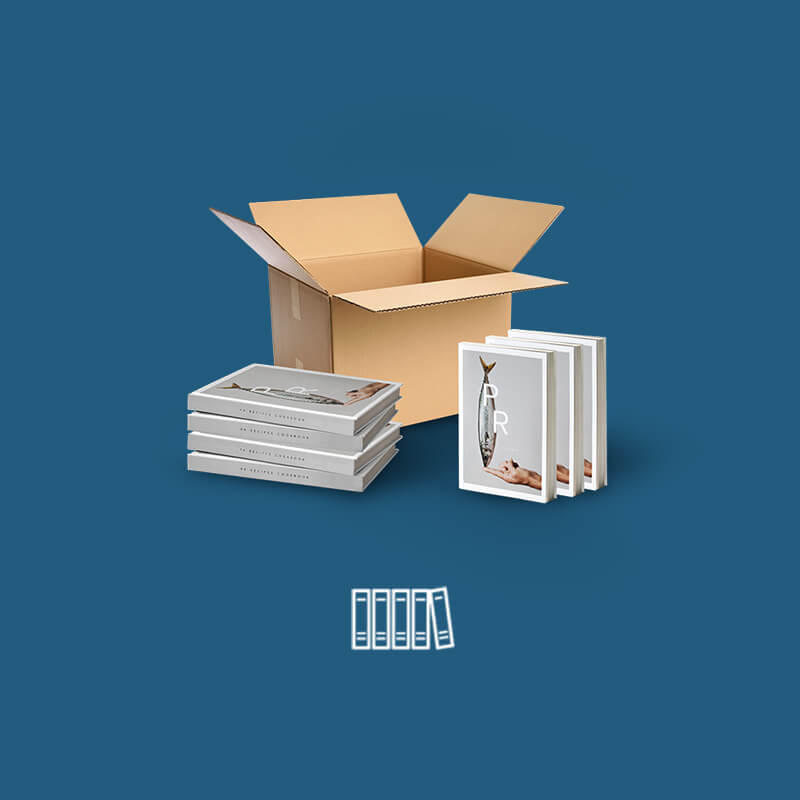 Print 100+ BooksGet a custom quote, bespoke print solutions, and expert support from our in-house team.
What book will you make?
-
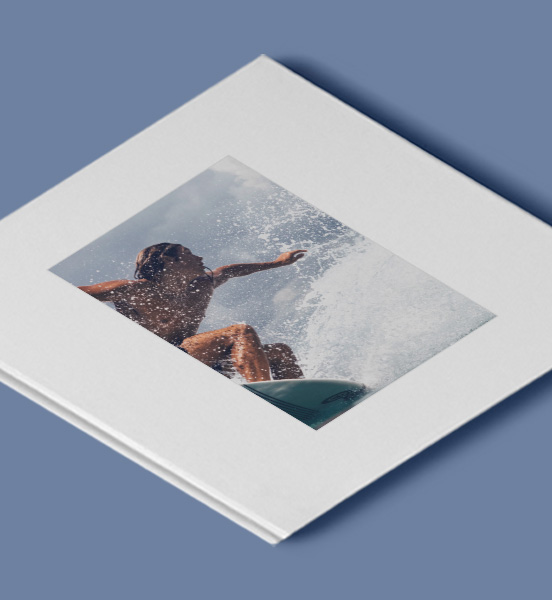
Photography
-
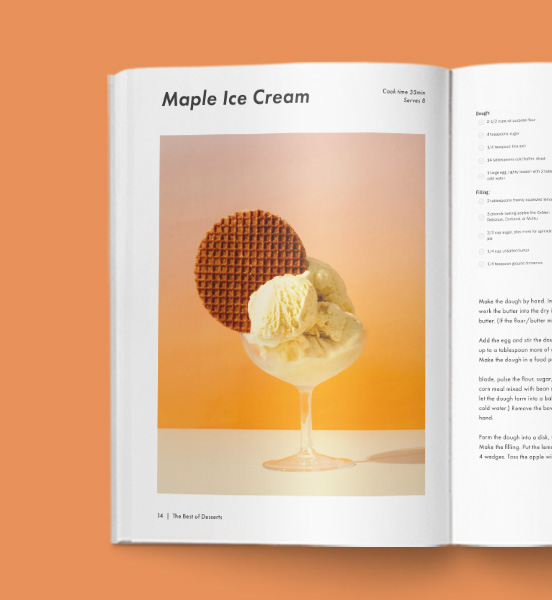
Food & Cookbooks
-

Travel Books
-

Family Photo Books
-
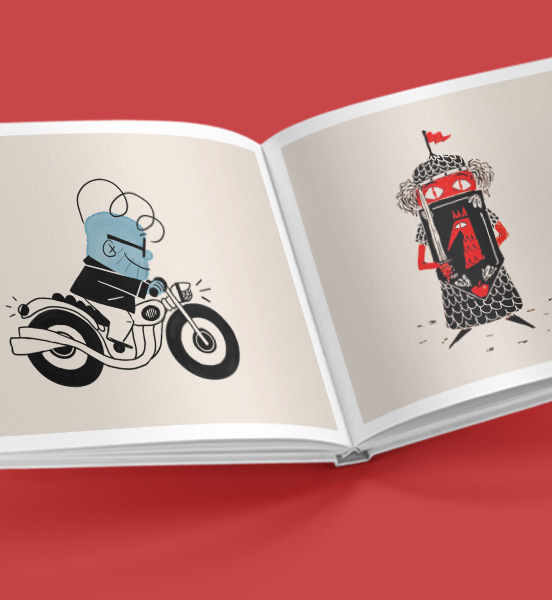
Children's Books
-

Portfolios
-
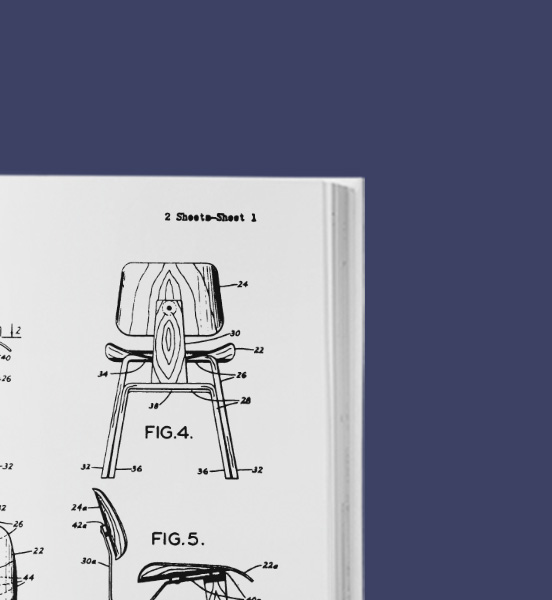
Business Books
-
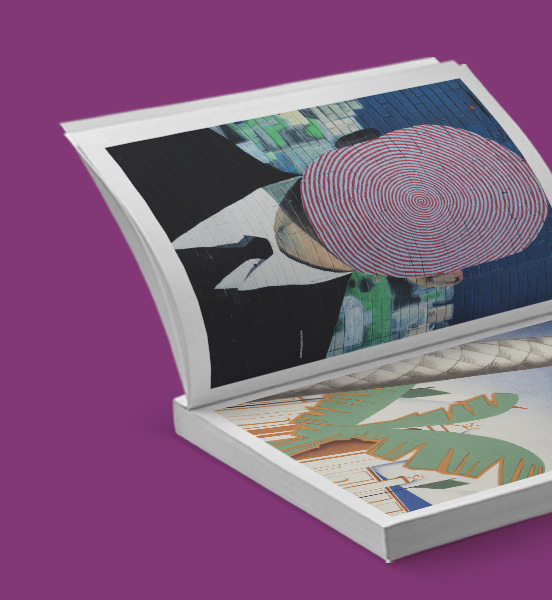
Comic Books & Graphic Novels
-
Who uses Blurb?
Blurb is a versatile and user-friendly self-publishing platform empowering a wide array of content creators to bring their visions to life. Catering to professionals like authors, photographers, and other creatives, Blurb provides the tools and services to design, publish, and distribute high-end books, portfolios, and magazines. But Blurb is not just for professionals; countless people use Blurb to create cherished keepsakes like travel books, family photo albums, and memoirs.
How to use Blurb
Blurb sets itself apart in the publishing world through its range of software tools designed to offer a frictionless creative experience. BookWright, Blurb’s flagship bookmaking software, enables you to craft high-quality books, magazines, and other published works seamlessly. It offers a variety of customizable templates and advanced design features. Combined with Blurb's professional book printing services, you can create a bookstore-worthy product.
Blurb is also equipped with plugins for well-known design platforms like Adobe InDesign and Adobe Lightroom, facilitating the creation of stunning work with powerful tools that many professional designers use. And if your content is on a PDF file, you're in luck! Blurb allows for direct PDF to book uploads, helping turn already assembled work into a print-ready format. Offering a range of customizability from cover type and dimensions to paper quality, Blurb's bookmaking capabilities contend with renowned publishing houses.
What services does Blurb offer?
Blurb offers a range of services for self-publishing, including book design, printing, distribution, and marketing. Here is a look at several Blurb offerings:
- Book Design: Blurb offers free modern templates and easy-to-use software to create portfolios, photo books, trade books, magazines, and more. You have complete creative control over how your vision comes to life.
- Book Printing: Blurb offers tailored print solutions, expert support, and custom quotes for varying printing needs. Blurb's print-on-demand solution allows creators to print as they go.
- Distribution: Blurb offers multiple distribution channels for self-published projects. You can sell your book directly through the Blurb Bookstore or Amazon or distribute it through Ingram's worldwide distribution network.
- Marketing: Blurb offers online sales tools that allow you to share a preview of your project on social media or embed it on your website. You can also sell and distribute your book directly through your personal storefront on Blurb.com.
Self-publishing with Blurb
Blurb streamlines self-publishing, turning immersive creative projects into beautiful, tangible books. Aspiring authors and creative professionals alike can leverage Blurb’s powerful toolkit, ensuring a smooth design and layout process. The cost of printing is transparent and wide-ranging, largely dependent on book size, cover type, paper quality, and page count.
With Blurb, you take complete creative and commercial ownership over your project. This autonomy extends to determining your price and exploring various channels to sell your book.
More than just a bookmaking service, Blurb's marketing tools help widen your book's visibility and commercial viability. For an easy and intuitive self-publishing experience, Blurb's customizability and premium-grade print standards make it a no-brainer.
Selling self-published books
Selling self-published books opens a world of opportunities for authors and creatives, providing total control over the publishing and promotion process. Creators set their own pricing, retain rights to their work, and have access to a global audience through various channels. Blurb supports this journey, offering tools to create, promote, and distribute books independently.
When selling a book, it is crucial to consider the target audience, pricing strategy, and marketing efforts to ensure successful sales. Blurb supports creators in navigating these aspects, turning their creative works into commercially viable products with the potential for both personal fulfillment and financial reward.
Print-on-Demand with Blurb
A print-on-demand model means printing occurs only when an order is placed, eliminating the need for large upfront print runs and reducing the risk of unsold inventory. This system is cost-effective, particularly for independent authors and small-scale publishers, as it minimizes waste and lowers storage and distribution costs.